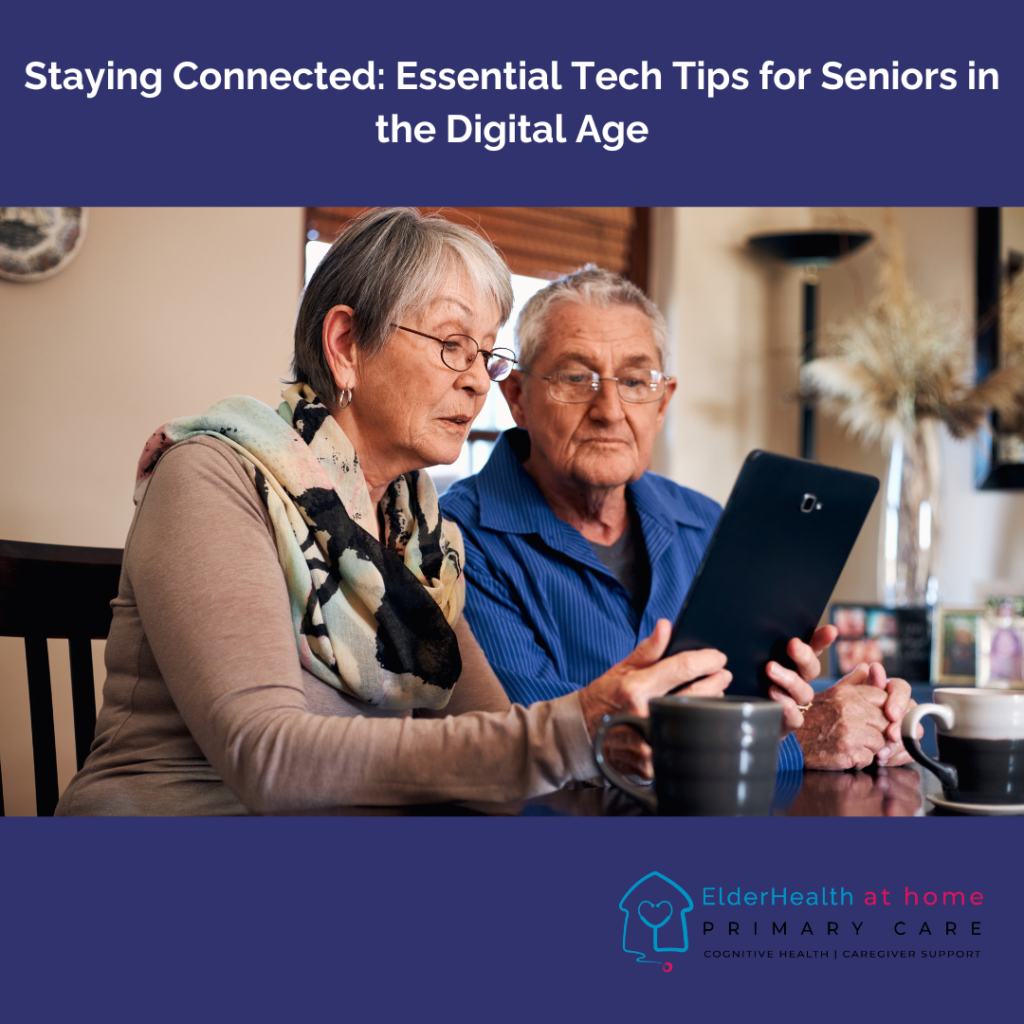
In today’s fast-paced world, technology plays a central role in keeping us connected with loved ones, accessing important information, and enjoying entertainment. For seniors, however, navigating the digital landscape can sometimes feel overwhelming. The good news is that there are simple ways for seniors to embrace technology and stay connected online, whether it’s chatting with family members, participating in online communities, or keeping up with the latest news. In this blog, we’ll share some easy-to-follow tech tips to help seniors stay connected and enjoy the benefits of the digital world.
Start with the Basics: Setting Up a Device
- Whether you’re using a smartphone, tablet, or laptop, it’s essential to start with the basics. Choose a device with a simple interface and large buttons or icons for easy navigation. Many devices have accessibility features such as voice commands and screen magnification that can make using technology much easier.
- Tip: Consider getting a tablet or a smartphone with senior-friendly features, like the GrandPad, which is specifically designed for older users.
Learn the Essential Apps for Communication
- Staying in touch with family and friends is easier than ever thanks to apps like Zoom, Skype, WhatsApp, and FaceTime. These apps allow you to make video calls, send text messages, and even share photos, making it possible to stay connected no matter where your loved ones are.
- Tip: Start by scheduling a regular weekly video call with a friend or family member to become more comfortable with video calling technology.
Mastering Social Media
- Social media platforms like Facebook and Instagram are great ways to keep up with what’s happening in the world and stay in touch with family and friends. These platforms are easy to use and provide a way to post photos, comment on updates, and connect with groups of like-minded individuals.
- Tip: Keep your social media experience safe by adjusting privacy settings to ensure your information is protected, and only share posts with people you trust.
Utilizing Online Services for Entertainment
- Technology also opens up a world of entertainment options. You can watch movies, listen to music, read books, and even enjoy virtual tours of museums, all from the comfort of your home. Platforms like Netflix, Spotify, and Amazon Kindle offer a range of options for seniors to stay entertained.
- Tip: If you’re new to streaming services, ask a younger family member or friend to help you set up an account and show you how to navigate the apps.
Stay Safe Online: Protecting Your Privacy
- As you begin to use the internet more, it’s important to stay safe online. Always use strong passwords, avoid clicking on suspicious links, and be cautious about sharing personal information. Consider using password managers to keep track of your login details securely.
- Tip: Enable two-factor authentication on important accounts for added security, especially when using online banking or shopping sites.
Join Online Communities
- Online communities can be a great way to meet new people, share experiences, and engage in hobbies you enjoy. Whether it’s joining a group for gardening enthusiasts, discussing favorite books, or finding support for health-related concerns, online communities provide a sense of connection and belonging.
- Tip: Look for platforms like Reddit or Facebook Groups that offer communities tailored to your interests.
Use Voice Assistants to Simplify Daily Tasks
- Devices like Amazon Echo and Google Home are powered by voice assistants that can help you with everything from setting reminders and checking the weather to playing music and controlling smart home devices. These voice-activated devices make it easy to access information without needing to type or navigate complex menus.
- Tip: Start with simple commands like “Hey Siri,” “Alexa,” or “Ok Google,” and experiment with the different tasks your voice assistant can do.
Take Advantage of Online Shopping
- Shopping online has become more popular than ever, offering a convenient way to buy everything from groceries to clothing. Websites like Amazon, Walmart, and Instacart make it easy to find products and have them delivered to your doorstep.
- Tip: If you’re new to online shopping, start by buying something simple and easy to find, like books or household items, before making larger purchases.
Regularly Update Software and Apps
- Keeping your devices updated is essential for security and performance. Most devices offer automatic updates, but it’s important to check for updates manually every now and then to ensure your apps and operating systems are up-to-date.
- Tip: Set reminders to check for software updates every month, so you can stay ahead of security issues and enjoy the latest features.
Ask for Help When Needed
- There’s no shame in asking for help when you need it! Whether it’s a friend, family member, or tech support, don’t hesitate to reach out if you’re feeling stuck with a new technology. Many communities also offer free tech support services for seniors.
- Tip: Consider enrolling in a local class or online tutorial specifically designed to teach seniors about digital literacy.
Staying connected online as a senior doesn’t have to be daunting. With the right tools, resources, and a little practice, you can embrace the digital world and enjoy its many benefits—whether it’s keeping in touch with loved ones, staying entertained, or exploring new hobbies. By following these simple tech tips, you can confidently navigate the online world and make the most of your digital experience.